

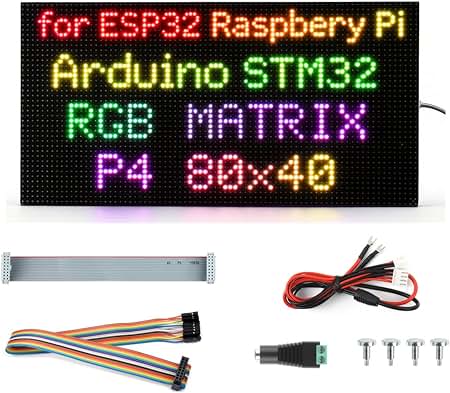
I made Raspberry Pi / ESP32 Driving a 64×32 RGB LED matrix panel and displaying fancy gifs via networ
Leeman RGB LED display module can easily be controlled by an Arduino, ESP32, ESP8266, or Raspberry Pi to create vibrant indicators, animations, or video displays. Depending on your project scale, you can choose between individual breakouts, addressable strips, or high-density matrix panels.
Popular Types of RGB LED Display Modules
- Standard Breakout Modules: Individual LEDs on a tiny PCB with pre-installed current-limiting resistors. Ideal for simple color indicators. Examples include the DIYables RGB LED Module.
- Addressable NeoPixel / WS2812B Panels: Individual matrix grids (e.g., 8×8, 16×16) where each pixel is controlled independently via a single data pin. Great for medium-complexity animations and text scrolling.
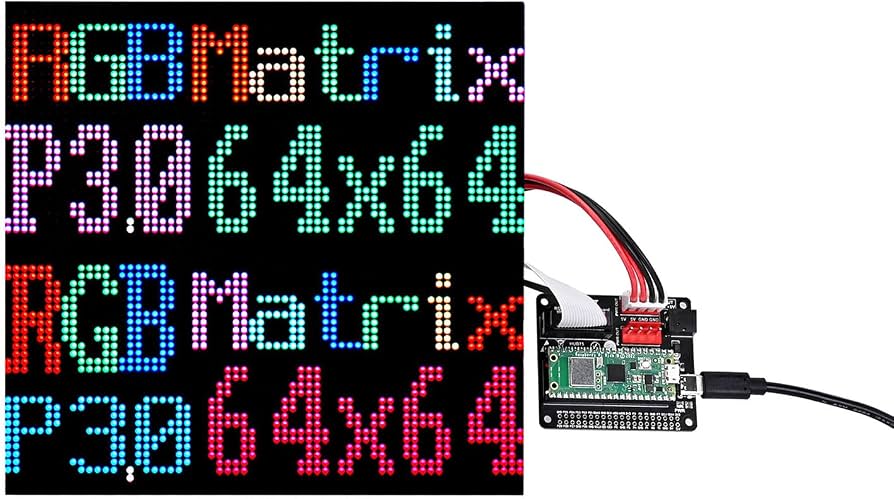
- HUB75 RGB LED Matrix Panels: Large, high-density commercial panels (e.g., 32×32, 64×64) designed for video walls. They require rapid scanning and multiple GPIO pins to operate.
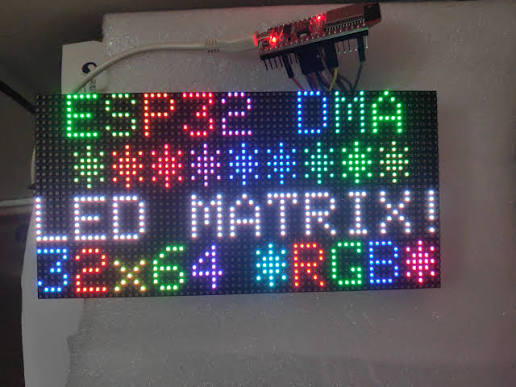
When building projects with an LED display module using platforms like Arduino, ESP32, or Raspberry Pi, your hardware and library choices will depend entirely on the type of display you select. Below is a comprehensive breakdown of the most popular RGB LED display modules, their best-fit control boards, and standard wiring practices.
HUB75 RGB LED Panels (P2, P2.5, P3)
Best for high-density, bright, mini-screen displays (like tickers, clocks, or video walls). These panels do not have built-in driver chips, requiring the controller to constantly stream raw pixel data.
- Interface: Parallel HUB75 connector (requires up to 16 data/control pins)
- Platform Compatibility.
ESP32: Highly recommended. The processing speed allows it to handle the complex multiplexing required by HUB75 panels using libraries like ESP32-HUB75-MatrixPanel-DMA.
Raspberry Pi: Excellent for large setups. Can drive huge panels using the rpi-rgb-led-matrix library by utilizing its full computing power.




Comments (2)
ESP32-S3 RGB LED Matrix projects: scrolling text, tilt games, arrow app, and a WiFi demo.
That was amazing